
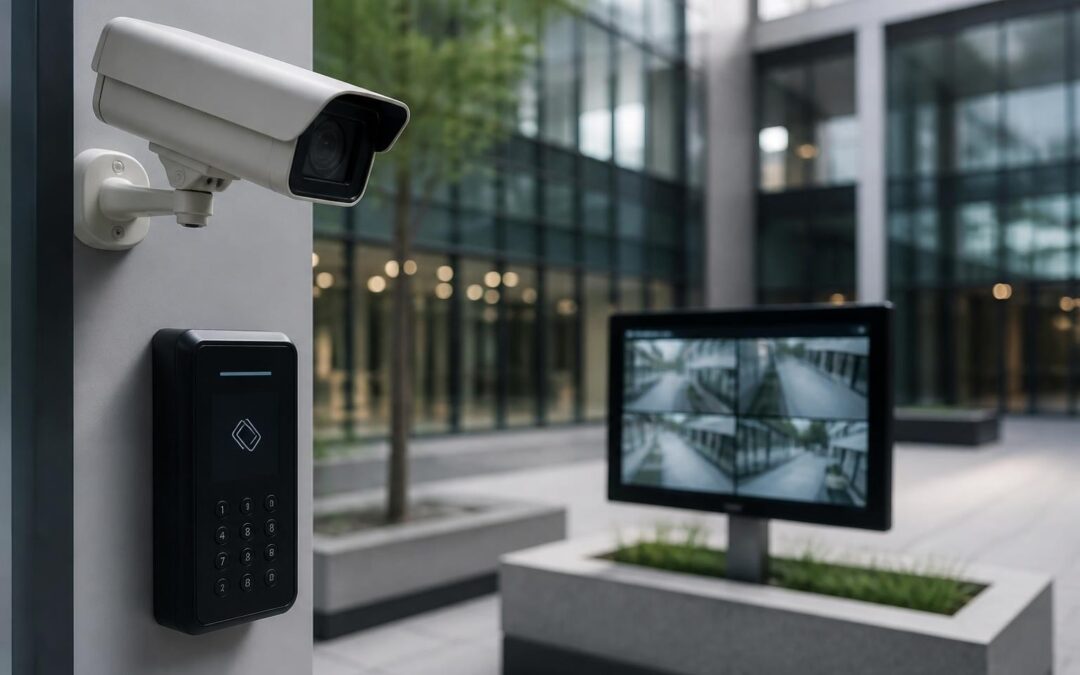
A CCTV system is only as good as its ability to keep recording when it matters most. Vandals go for the camera before they go for the property behind it. Hackers scan home and business networks for devices still running factory logins. And every summer, storm season across South East Queensland takes out power and fries unprotected electronics without warning. If the system itself isn’t protected against tampering, hacking and outages, it can fail at exactly the moment you need the footage.
At Dynamic Data & Security we install and maintain security systems for family homes, holiday rentals, retail stores, warehouses and high-rise buildings across Brisbane, the Gold Coast and the Sunshine Coast, and hardening the surveillance system itself is part of every job, not an afterthought. Here’s what that actually involves.
Physical Tamper-Proofing Starts With the Housing and the Mount
The easiest way to disable a camera is to reach up and knock it off its bracket, spray the lens, or rip out the cable. Good physical design closes off most of that.
- Mounting height. Cameras covering entries, driveways and loading docks should sit high enough that they can’t be reached from the ground or a nearby bin, ledge or vehicle roof.
- Vandal-resistant housings. Impact-rated dome housings and metal enclosures with anti-tamper screws are far harder to disable quickly than a standard plastic bullet camera on an exposed bracket.
- Overlapping coverage. Positioning at least one camera to watch the approach to another means an attempt to disable a camera gets caught by a second unit before it succeeds.
- Cable concealment. Running cabling through conduit, inside wall cavities or roof space, rather than leaving it exposed along a wall, removes the single easiest tampering point on the whole system.
Lock Down the Network Side, Not Just the Hardware
Modern CCTV systems are network devices, and that means they carry the same risks as any other piece of connected equipment on site. A camera that’s physically bulletproof but still running its default admin password is not actually secure.
The basics that get skipped
- Change every default username and password at install, on the cameras, the NVR/recorder and any remote access portal.
- Keep firmware up to date. Manufacturers patch known vulnerabilities regularly, and an outdated camera on the internet is a known entry point.
- Separate the security system onto its own network segment (VLAN), away from guest Wi-Fi, point-of-sale terminals and general office devices, so a breach in one system can’t reach the other.
- Avoid opening ports directly to the internet for remote viewing. A properly configured VPN or a manufacturer’s secure cloud service is a safer way to check footage from your phone.
This matters even more for warehouses and distribution sites, where cameras are also doing loss-prevention work around stock, staff and vehicle movements. A system that’s easy to knock offline or quietly access is a weak point in exactly the process it’s meant to protect, which is covered in more detail in our guide on business security camera installation for warehouse loss prevention.
Power and Connectivity Resilience for SEQ’s Storm Season
Brisbane, the Gold Coast and the Sunshine Coast all cop severe storms through summer, and lightning strikes and power surges are a genuine, recurring risk to any electronic system left unprotected. A camera network is no exception.
- Surge protection at the NVR, PoE switch and along exposed cable runs reduces the chance a nearby lightning strike takes out the whole recording system in one hit.
- Backup power (battery or UPS) keeps cameras and recorders running through short mains outages, which are common during and after storms.
- Dual-path monitoring means your alarm and monitoring signal can travel over both the internet connection and a cellular backup. If a storm takes out the NBN or a fixed phone line, back-to-base monitoring keeps working over the mobile network instead of going silent.
For coastal properties on the Gold Coast and Sunshine Coast, salt air adds another factor: connectors and housings corrode faster near the water, which is worth flagging to your installer so marine-grade fittings go in from the start.
Routine Maintenance Is What Keeps It All Working
A CCTV system isn’t a set-and-forget purchase. Lenses get dusty or cobwebbed, hard drives wear out, firmware falls behind, and cable connections can loosen over time, especially outdoors. None of that shows up until you actually need footage and find a blank recording or a camera that’s been offline for weeks.
A scheduled service visit, rather than waiting for something to fail, catches these issues while they’re cheap and easy to fix. We’ve written a full breakdown of what a proper maintenance plan should cover in our guide to commercial security system maintenance services in Queensland, which applies just as much to a large home or holiday property as it does to a commercial site.
What a good maintenance plan typically checks
- Lens cleaning and housing seals
- Firmware and software updates
- Storage health and recording retention
- Cable, connector and mounting condition
- Monitoring and alert testing, including backup power and dual-path signal
Why Licensed, Local Installation Reduces the Risk From Day One
A lot of the vulnerabilities above come down to how a system was installed in the first place. Cameras mounted too low, cabling left exposed, default passwords never changed, no surge protection on the run into the NVR. These aren’t rare mistakes, they’re what happens when a system goes in fast and cheap without someone thinking through how it could be attacked, not just how it should work on a good day.
Our technicians hold a QLD Security Provider Licence (Class 1 and Class 2) and every install is built to Australian Standards, which covers exactly this kind of detail: mounting, cabling, network configuration and power protection, not just getting a picture on the screen. We’ve been doing this across South East Queensland for over 20 years, and because we install CCTV, access control, intercoms and alarms as integrated systems, tampering with one component is more likely to trigger an alert from another, rather than going unnoticed. Equipment we install carries manufacturer warranties ranging from 15 years to lifetime, which also says something about how confident manufacturers are in it holding up over time.
If your current system has cameras mounted within easy reach, exposed cabling, no backup power, or you’re simply not sure whether it would survive a serious storm or a determined attempt to disable it, it’s worth getting it looked at before it’s tested for real. Call us on 07 5453 7240 or email info@dyndata.com.au for a site assessment anywhere across Brisbane, the Gold Coast or the Sunshine Coast.
Recent Comments